 Rotion App
After Effects alternative for Reels: motion videos in your browser
After Effects can animate anything, but for a weekly Reel it asks a lot: a subscription, a desktop computer, keyframes and render time. If what you need is a polished motion video for Instagram or TikTok, a browser editor with ready-made motion templates gets you there in minutes.
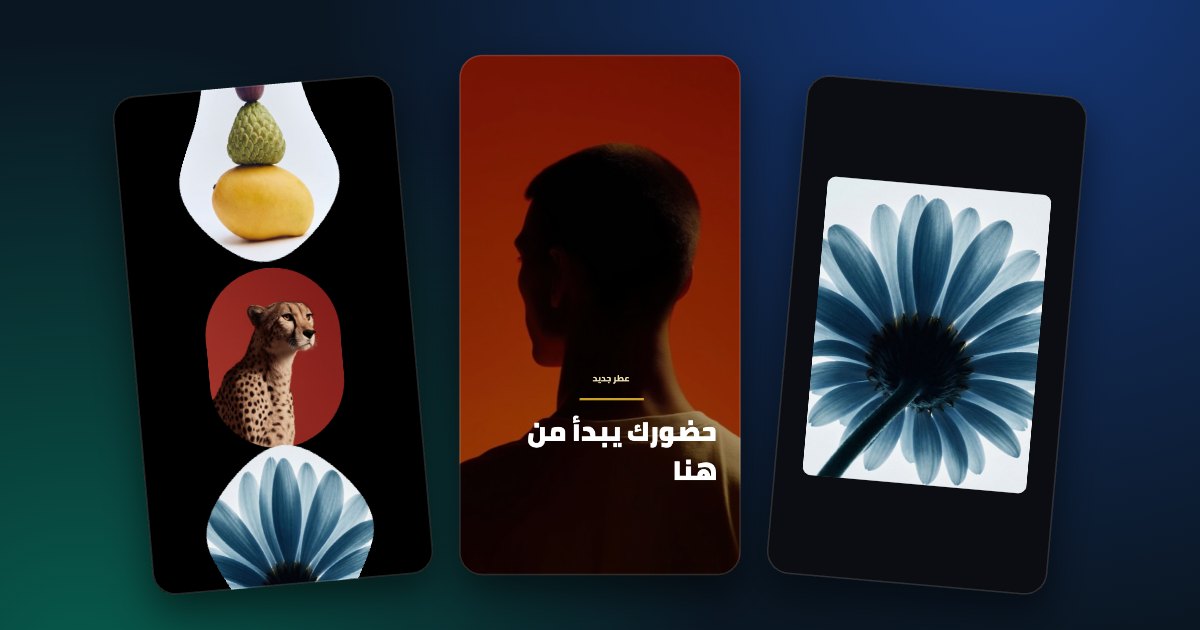
Why people look for an After Effects alternative
Most social videos don’t need custom animation. They need your photos, your text and your brand colours inside motion that already looks good, in 9:16, ready to post. Doing that in After Effects means finding a template, installing fonts and plugins, editing compositions and waiting for the render.
What Rotion does instead
- 140+ motion templates: 3D carousels, product promos, multi-scene stories, kinetic text, logo reveals and more.
- You change each template with sliders: size, spacing, speed, direction, colours, text and background. No timeline, no keyframes.
- Every template plays as a seamless loop and can be switched to 9:16, 4:5, 1:1 or 16:9.
- It runs in the browser, on a computer or a phone, and exports MP4 or WebM on your device. Your files are not uploaded.
- No AI: every template is a designed animation.
Make a Reel in three steps
- Open the editor and pick a 9:16 template (no account needed to try).
- Drop in your photos or videos, then change the text, colours and timing.
- Sign in and export: free up to 720p, or up to 8K with Pro.
What you give up
Rotion is not a full animation package. You can’t draw your own keyframes, build visual effects or composite footage, and it can’t open After Effects project files (.aep). If a project needs that, After Effects is still the right tool.