 Rotion App
Rotion blog
Short guides to making motion videos: an After Effects alternative for Reels, free motion templates, product videos, logo animation and comparisons.
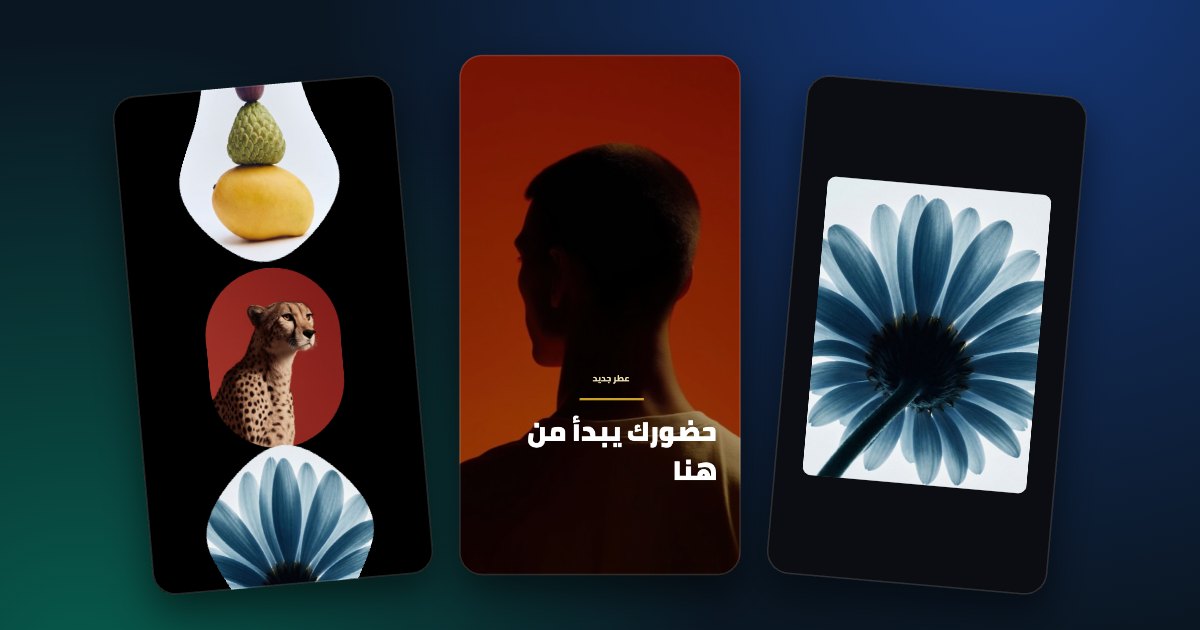
After Effects alternative for Reels: motion videos in your browser
Make Reels-ready motion without After Effects: ready-made templates, edited with sliders, exported in your browser.
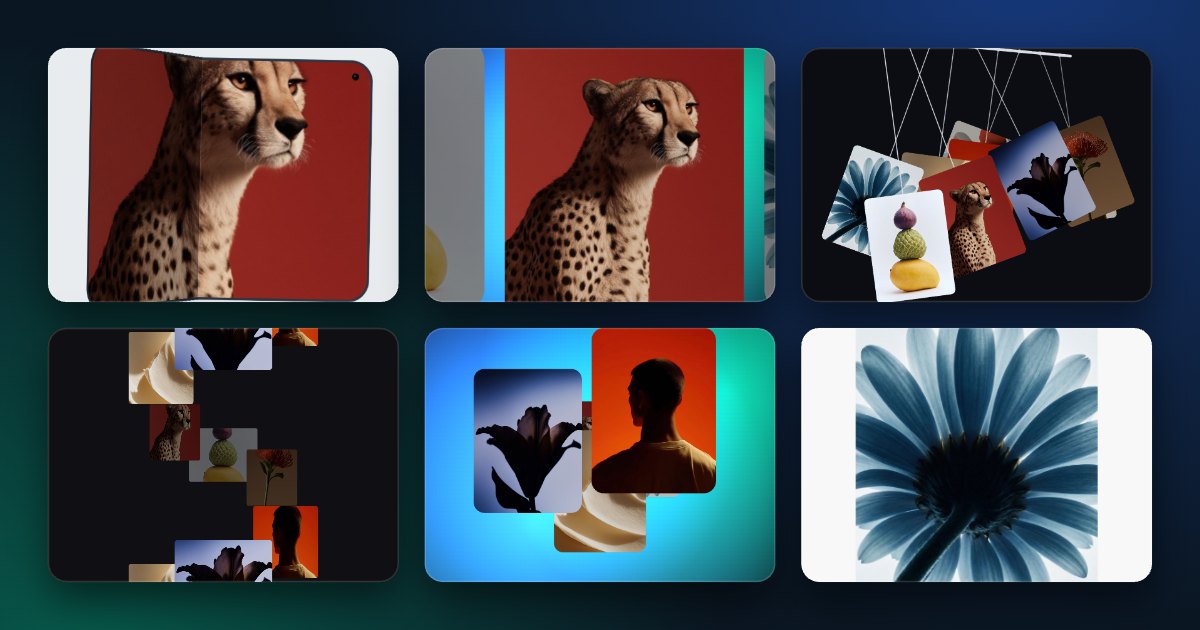
Free motion templates, no software to install
97 free motion templates you edit and export in the browser: Reels, Instagram posts, YouTube intros and logo reveals.
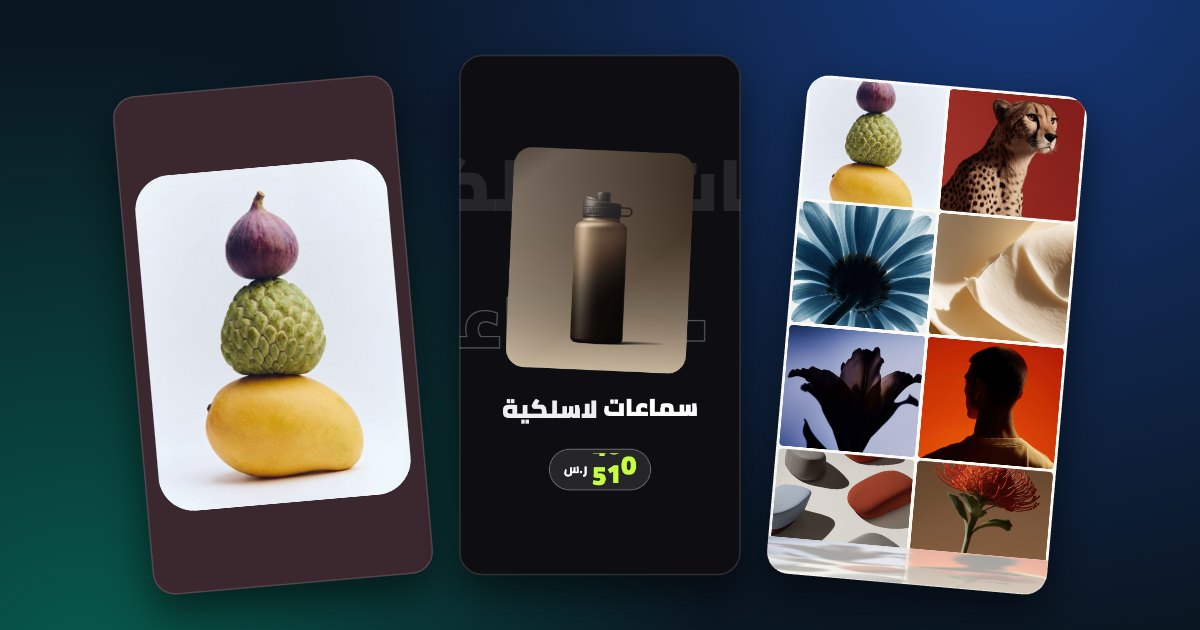
How to make an animated product video for your store
Turn product photos into a moving ad for Reels, Stories and your store page, step by step.
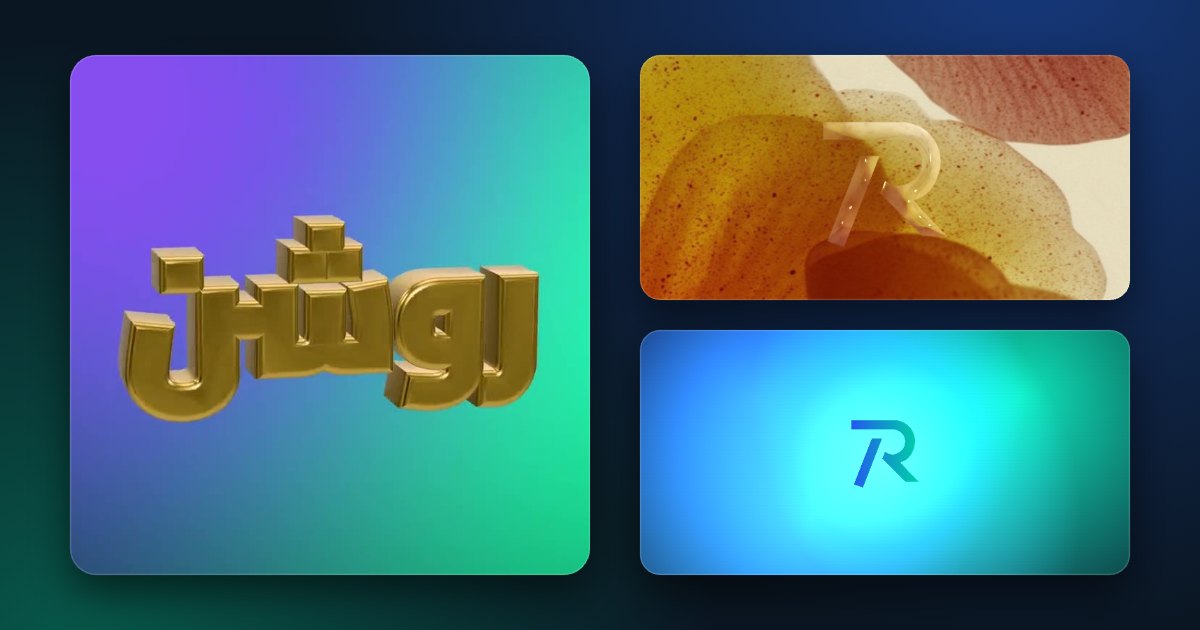
Animate your logo online: a 3D logo animation in your browser
Turn your logo into a spinning 3D object in glass, chrome, gold or fur, and export a looping video.
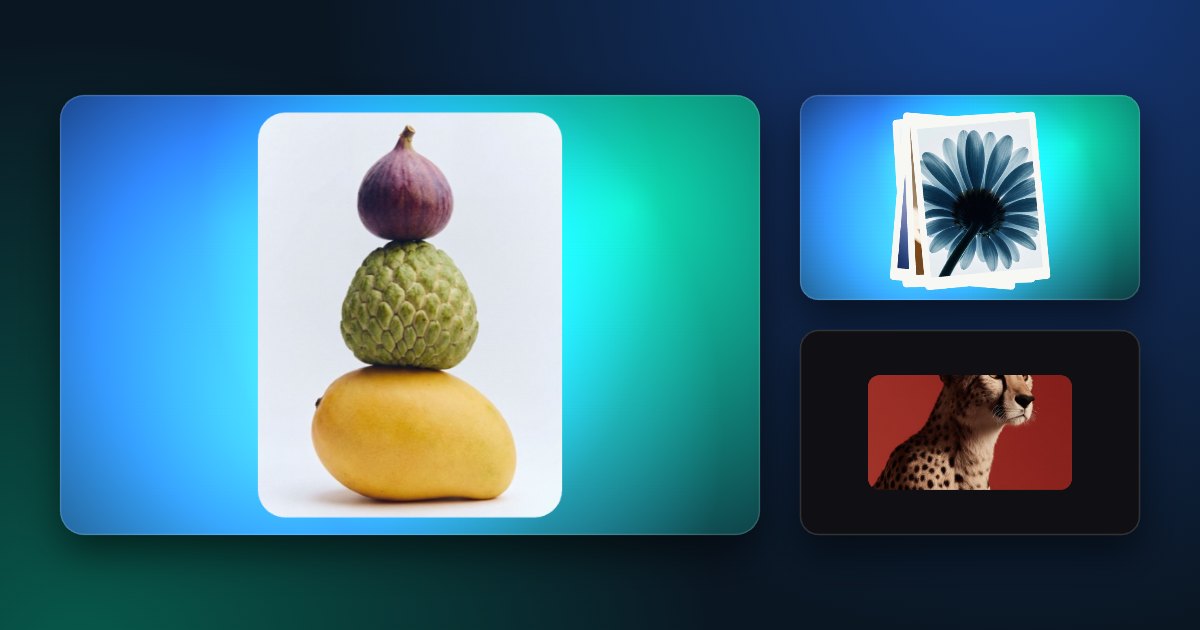
The easiest way to turn photos into a motion video
Drop your photos into a ready-made motion template and export a video. No timeline, no editing skills.
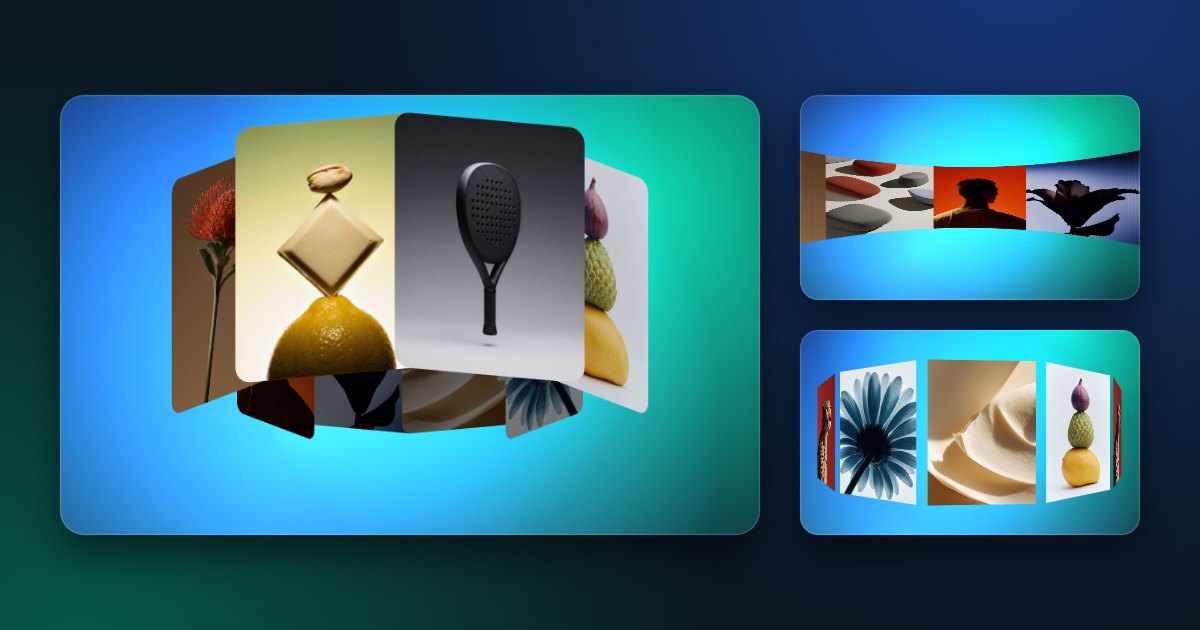
How to make a 3D circular carousel video
Photos spinning on a 3D ring: pick a carousel template, add your images, set the turns and export.
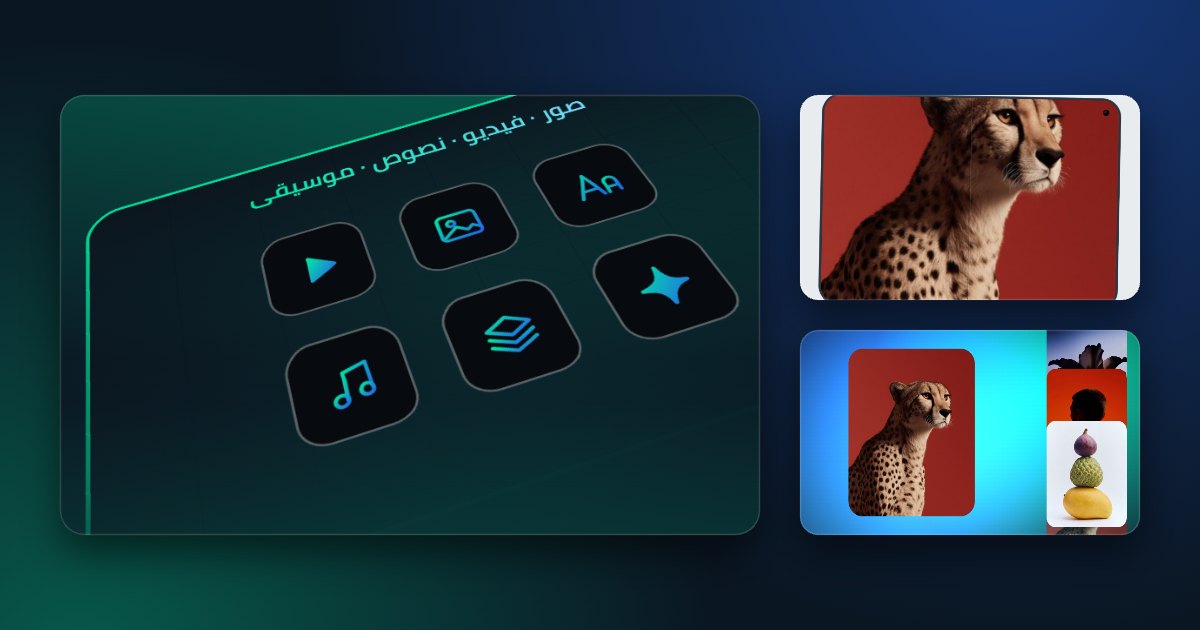
How to make a promo video for a SaaS product
A launch video for your app: your screenshots, your headline and button, in kinetic type, ready to post.
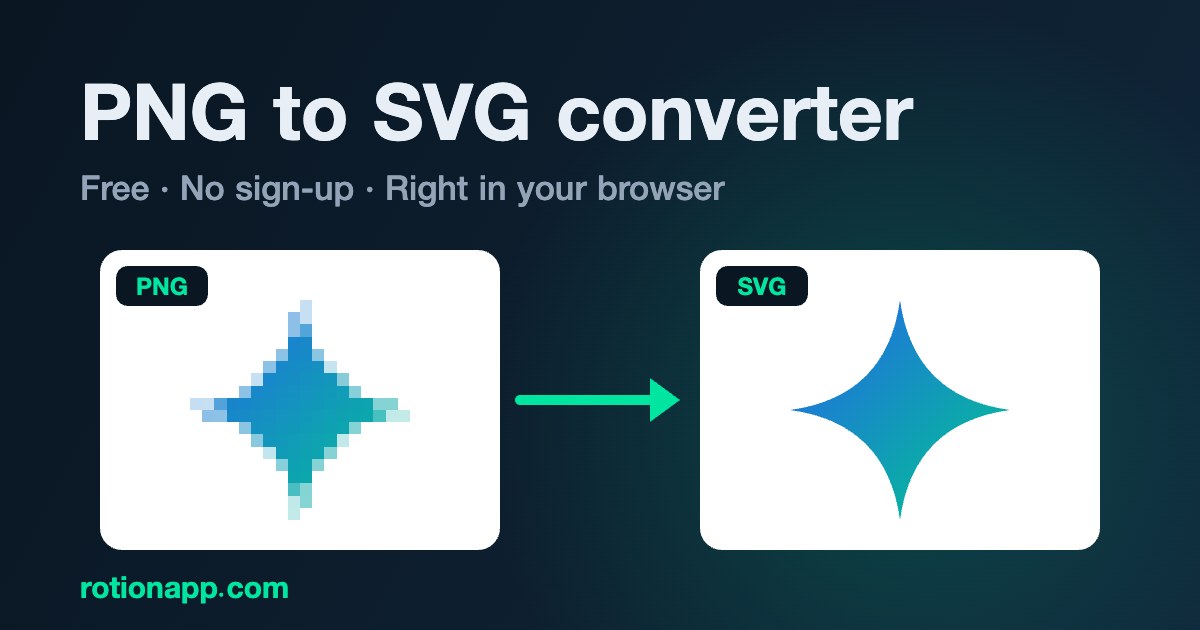
How to convert a PNG to SVG (free, online)
Turn a PNG or JPG logo or icon into a clean SVG vector in your browser: colours, detail and a transparent background.
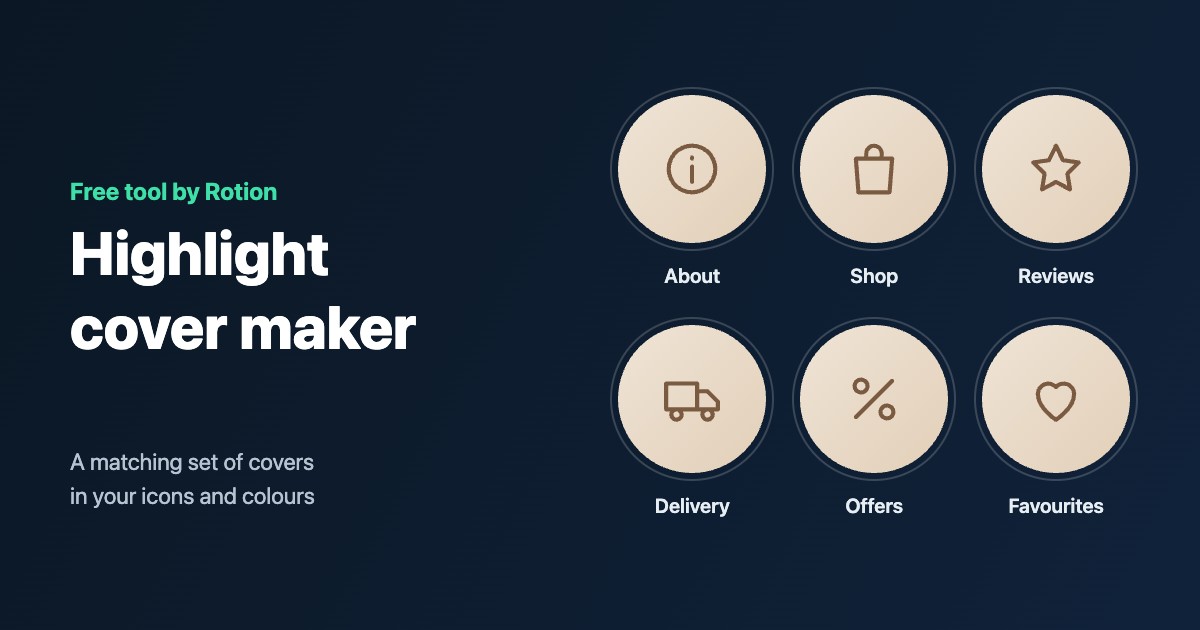
How to make Instagram highlight covers
A matching set of highlight covers with icons, letters or your photos, in your colours, then set them on your profile.
Rotion vs After Effects templates
Rotion vs After Effects templates: what you need, how long it takes, what you can change and what it costs, and when each one is the better choice.
Canva vs Rotion
Canva vs Rotion: an all-in-one design platform next to a motion-template editor. What each does best, how motion and export differ, and when to use which.