 Rotion App
How to make a 3D circular carousel video
A circular carousel puts your photos on a 3D ring that turns in front of the viewer. It’s a favourite for portfolios, product ranges and event highlights, and it loops without a visible start or end.
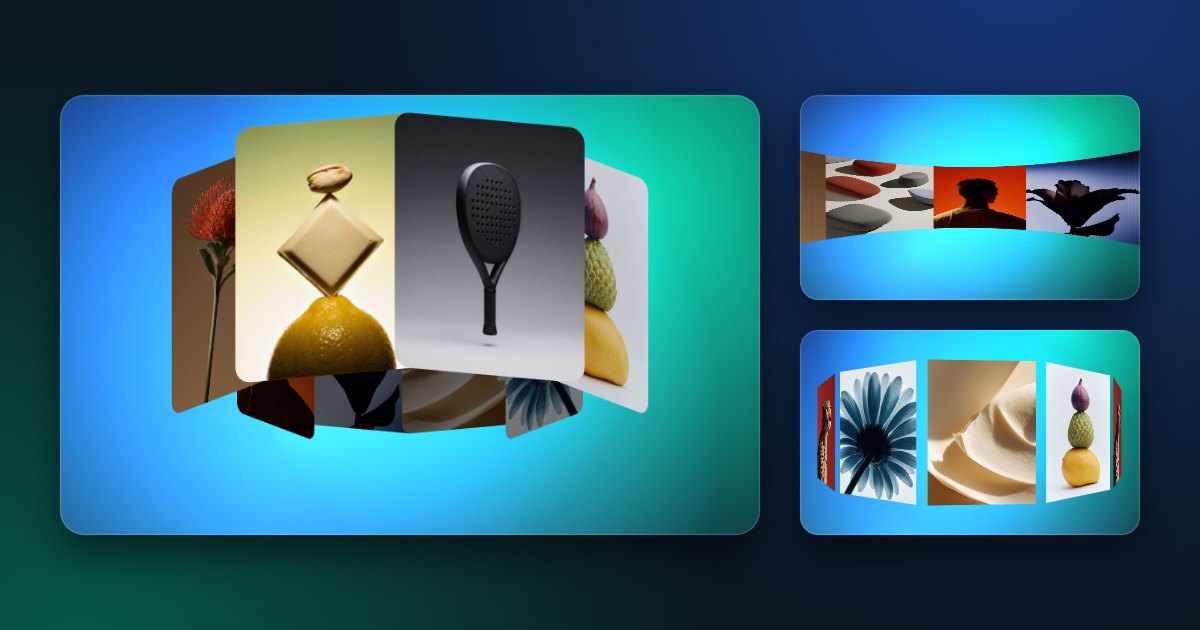
Make one in four steps
- Open a carousel template such as Carousel 3D 01, Rotunda Carousel 01 or Poster Ring.
- Add your photos or videos: the number of cards follows the number of images.
- Set the look: ring or card size, perspective, tilt, number of turns and direction.
- Export a seamless loop in 16:9, 9:16, 4:5 or 1:1.
Spin or stop on each photo
Most carousels have two motions. Continuous keeps the ring turning; Stepped stops on each card and then moves to the next, with a hold and a transition time you set. Stepped suits products and portfolios, where each picture should be seen clearly.
Which carousel to choose
- A classic 3D ring: Carousel 3D 01.
- A wall of cards curving around you: Rotunda Carousel 01.
- Tall posters on a ring (3:4): Poster Ring.
- The cover-flow look, the middle card facing you: Coverflow.
- Cards on a turning globe: Card Globe.