 Rotion App
Free motion templates, no software to install
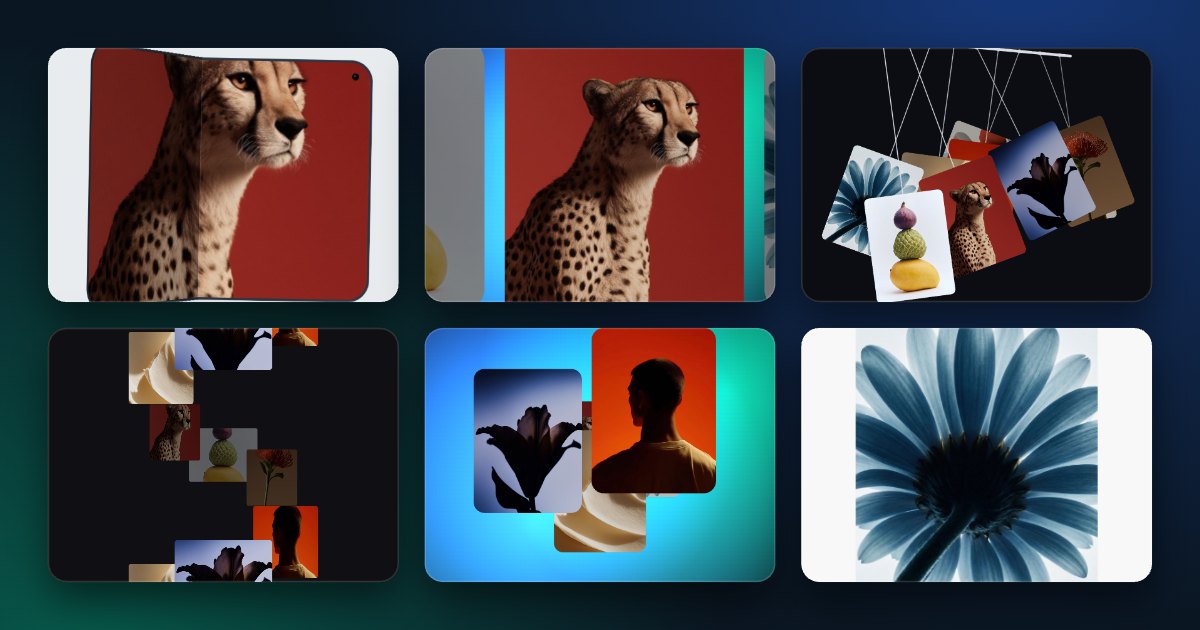
Rotion has 146 motion templates, and 97 of them are free. They run in your browser: open one, add your photos and text, and export a video. Nothing to download or install.
What “free” includes
- 97 templates: carousels, 3D, product showcases, kinetic text, grids, reveals and logo animations.
- 5 video exports a month, up to 720p, MP4 or WebM.
- A small Rotion watermark on free exports.
- A free account to export; trying the editor needs no account.
Pick a template for your format
- Reels, TikTok and Stories: 9:16 templates such as Liquid Reel and Shatter Flip.
- Instagram feed: 4:5 and 3:4 templates such as Fold iPhone and Pendulum Wave.
- YouTube and websites: 16:9 templates such as Carousel and Text Morph.
- Any template can be switched to another size in the Frame settings.
Make your first video
- Open the editor and choose a template.
- Add your photos or videos; change text, colours, speed and background.
- Sign in for free and export your video.
When Pro is worth it
Pro ($8 a month or $79 a year) unlocks every template, unlimited exports up to 8K, no watermark, your own watermark, custom fonts and music. Stay on Free while you test; upgrade when you post often or work for clients.