 Rotion App
The easiest way to turn photos into a motion video
The fastest way to make a video from photos is to skip editing altogether: choose a motion template, drop your pictures into its slots, and export. The template does the movement, timing and transitions for you.
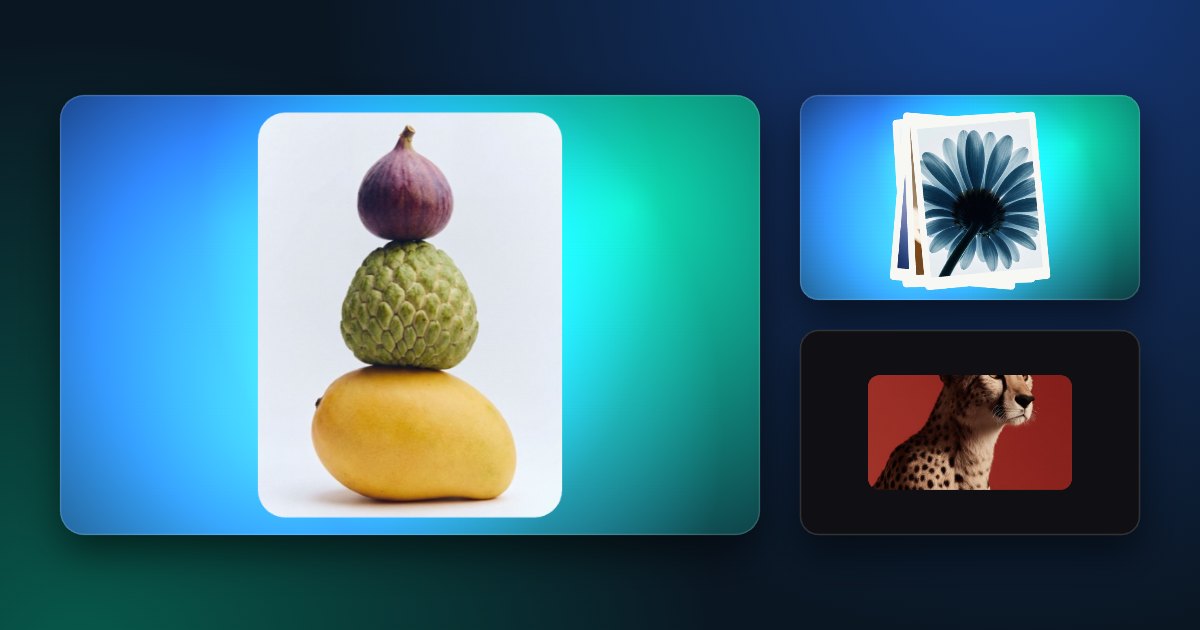
How it works
- Open the Rotion editor and pick a template that fits your photos.
- Drag your photos in, or tap a slot to add one. You can add short videos too.
- Adjust the size, speed, background and text if you like, or keep the defaults.
- Export an MP4 or WebM: free up to 720p, or up to 8K with Pro.
Which template for which photos
- Many photos (an event, a trip, a portfolio): Slideshow takes up to 50, Flicker Cuts up to 30.
- A few favourite shots: Polaroid Stack or Card Collage.
- One photo you want to bring to life: Ken Burns, a slow cinematic zoom.
- For Reels: a 9:16 template such as Liquid Reel.
Tips for a better video
- Use photos of a similar style and light so the video feels like one piece.
- Put your strongest photo first.
- Keep text short, and add your logo in a corner.
- Need another size? Switch the frame to 9:16, 4:5, 1:1 or 16:9 before exporting.