 Rotion App
How to make an animated product video for your store
A product that moves gets noticed. With a product template you can turn a few photos into a short animated ad for Instagram, TikTok or your store page, without filming and without a designer.
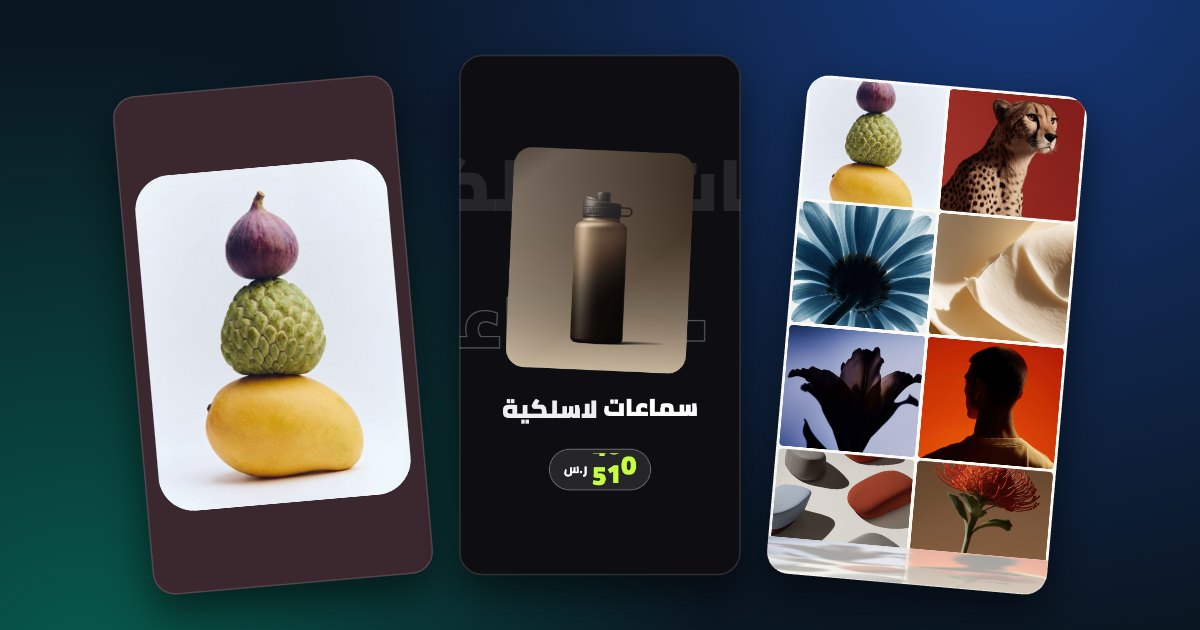
What you need
- 3 to 6 product photos, ideally on a clean background.
- A short line of text: the product name, an offer or a price.
- Your logo (optional) and your brand colours.
Make the video in four steps
- Pick a product template (the E-commerce templates are made for this).
- Drop in your photos; each slot takes a photo or a short video.
- Change the text, colours and background, and add your logo.
- Export in 9:16 for Reels and Stories ads, or 4:5 for the feed.
Tips that help it sell
- Show the product in the first second.
- Keep the text short: one benefit or one offer.
- Use the same colours as your store so people recognise you.
- Keep it short: most templates loop in 8 to 15 seconds.
- Make two versions with different text and see which one gets more clicks.