 Rotion App
How to convert a PNG to SVG (free, online)
An SVG stays sharp at any size, so logos, icons and illustrations belong in SVG. If you only have a PNG, a converter can trace it into vector shapes in a few seconds.
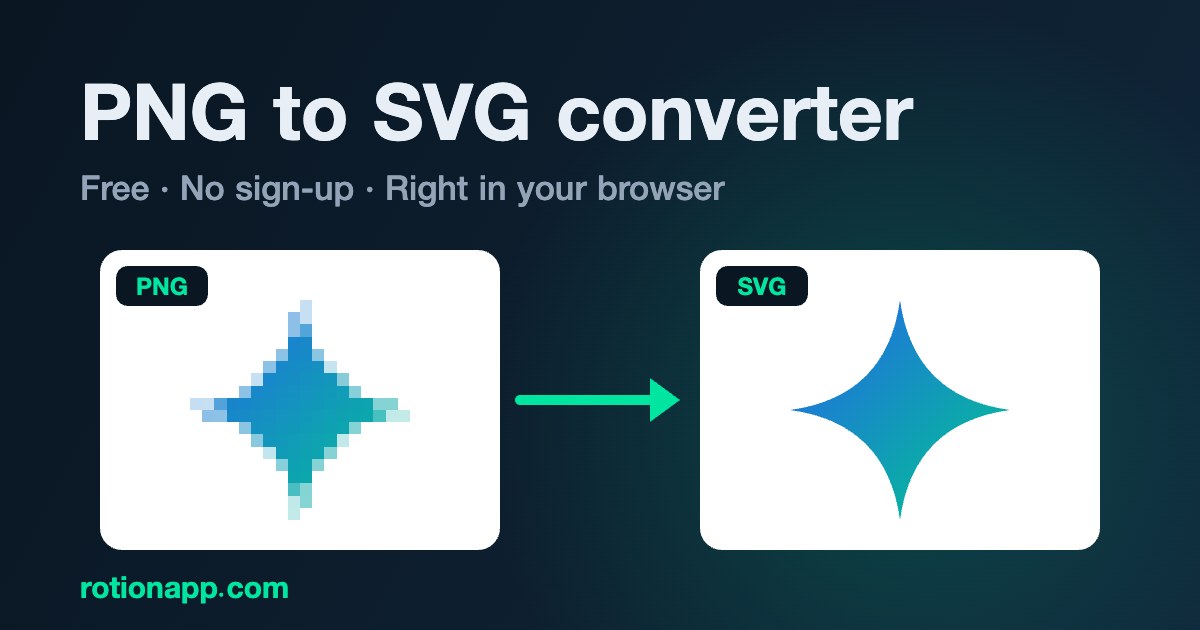
Convert it in four steps
- Open the free PNG to SVG converter.
- Upload a PNG, JPG or WebP image.
- Choose the colours (automatic, or 1 to 16), the detail (low, medium or high) and, if you need it, background removal for a transparent SVG.
- Download the SVG, or open it in Rotion Logo to make it 3D.
What converts well
- Logos, icons and flat illustrations with clear edges.
- Images with a few solid colours: set the colour count to match.
- A large, sharp source image: more pixels give cleaner curves.
- Photos don’t make good vectors: they become many small shapes.
How it works
The converter traces the edges of each colour area and fits smooth Bézier curves to them. It uses no AI and runs in your browser, so your image is never uploaded. It’s free and unlimited, with no account and no watermark.