 Rotion App
Animate your logo online: a 3D logo animation in your browser
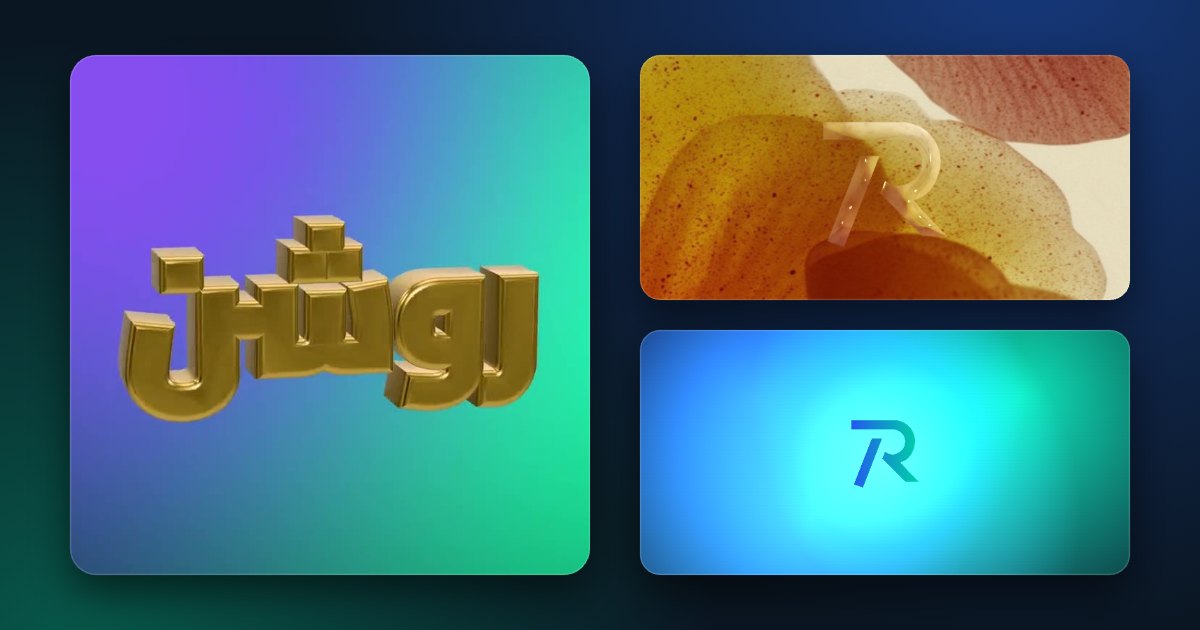
Rotion Logo turns your logo into a 3D object and animates it, right in your browser. Upload an SVG or PNG, choose a material and a motion, and export a seamless looping video for Reels, intros or your website.
Animate a logo in four steps
- Open Rotion Logo and upload your logo as SVG or PNG (a PNG is traced into a vector shape).
- Choose a material: clear or frosted glass, crystal, holographic, chrome, gold, plastic, inflatable, plush fur or grass.
- Choose the motion (spin, swing, float or still) and a backdrop, or put your own image or video behind it.
- Export a looping MP4 or WebM video, or a PNG, in 1:1, 16:9, 9:16 or 4:5.
Tips for a clean result
- Use an SVG when you have one: edges stay sharp.
- Simple, bold shapes read best in 3D.
- Pick a backdrop that contrasts with the material: gold on dark, glass on colour.
Free and Pro
Free: images and videos up to 720p with a small Rotion credit; videos need a free account and count toward the 5 free videos a month. Pro ($8 a month): up to 4K, transparent PNG backgrounds and no credit.
Prefer a flat logo animation?
The Rotion studio also has logo templates that animate a flat logo: reveals, neon frames and glass effects. Open one and drop in your logo.