 Rotion App
How to make Instagram highlight covers
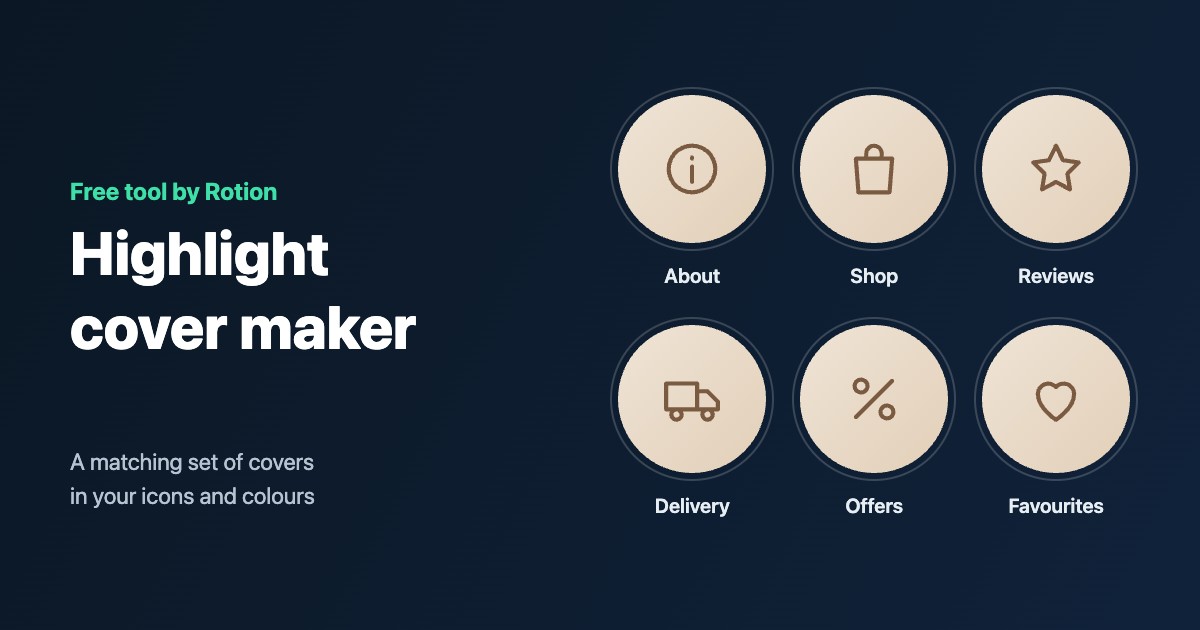
Highlight covers are the row of circles under your bio. A matching set makes a profile look organised and on-brand, and it takes a few minutes with a cover maker.
Design the covers
- Open the free highlight cover maker.
- Add a cover for each highlight (up to 24). Each one can be a line icon (45 to choose from), a letter, word or emoji, in Arabic or English, or your own photo.
- Choose one of 10 colour sets or your own colours, a plain or gradient background, the icon size, line weight and an optional ring.
- Check the live preview of your profile row, then download the JPGs: 1080 × 1920 (story size, icon centred) or 1080 × 1080.
Set them on Instagram
- Go to your profile and press and hold a highlight.
- Choose Edit highlight, then Edit cover.
- Pick the matching cover from your camera roll and save.
- Repeat for each highlight, in the order the files are numbered.
Tips
- Use one style for every cover: the same colours and line weight.
- Pick icons people understand at a glance: a bag for the shop, a star for reviews.
- Keep to two or three colours that match your feed.