 Rotion App
Should an Arabic carousel be slides or a video?
Choose the publishing format first. Separate image slides let readers swipe at their own pace. A motion carousel shows cards in the order and timing you set.
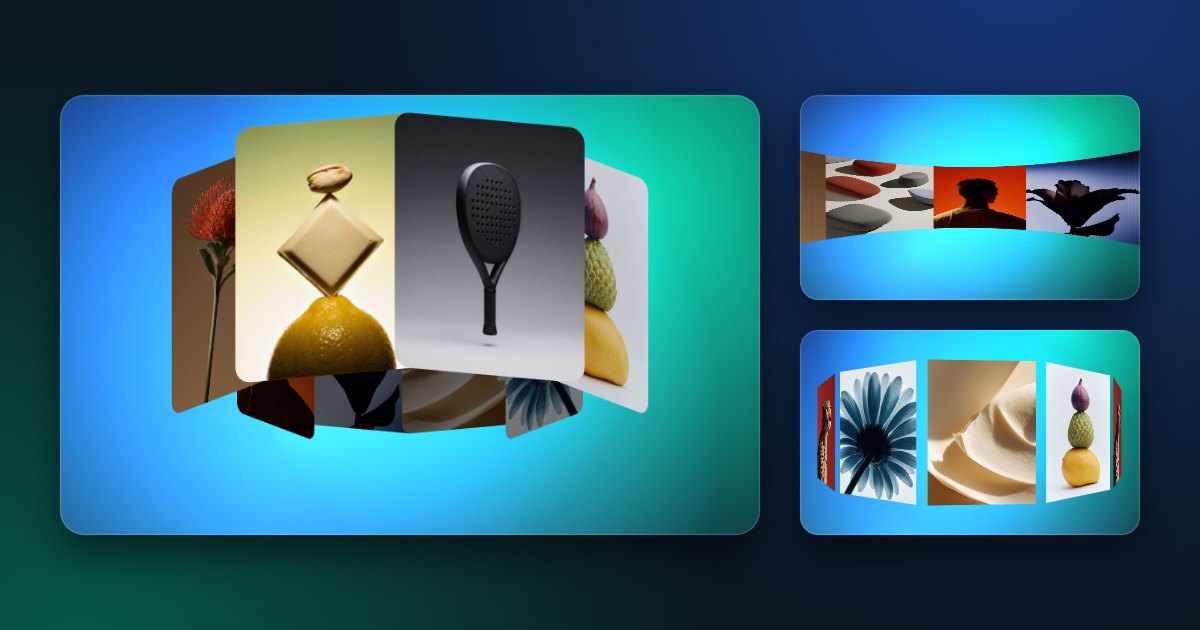
Make your first version
- For slides, open Rotion Carousel and put one idea on each slide. Lead with the takeaway.
- Check Arabic alignment, numerals and Latin product names at phone size, then export the slides in order.
- For video, open a carousel motion template, add images in sequence and check reading time before exporting.
A quick example
Say you are publishing five tips on product photography. As separate images, put one tip on each slide and let readers move at their own speed. As a Reel, cut each tip to one short sentence and keep each card on screen for a few seconds. The content is the same, but the wording changes with the format.
Common mistakes
- Choosing the format after the design is done, when the layout already assumes one of them.
- Setting a long caption in a video where each card is on screen for a few seconds.
- Mixing Arabic and Latin numerals from slide to slide.
- Exporting a video and expecting viewers to swipe through it.
How to decide
Decide where the post will live first. If readers should move at their own speed, publish separate images. If you want a fixed rhythm for a Reel or a Story, use a video, and keep each card to one idea.