 Rotion App
How to animate a logo without After Effects (3 ways)
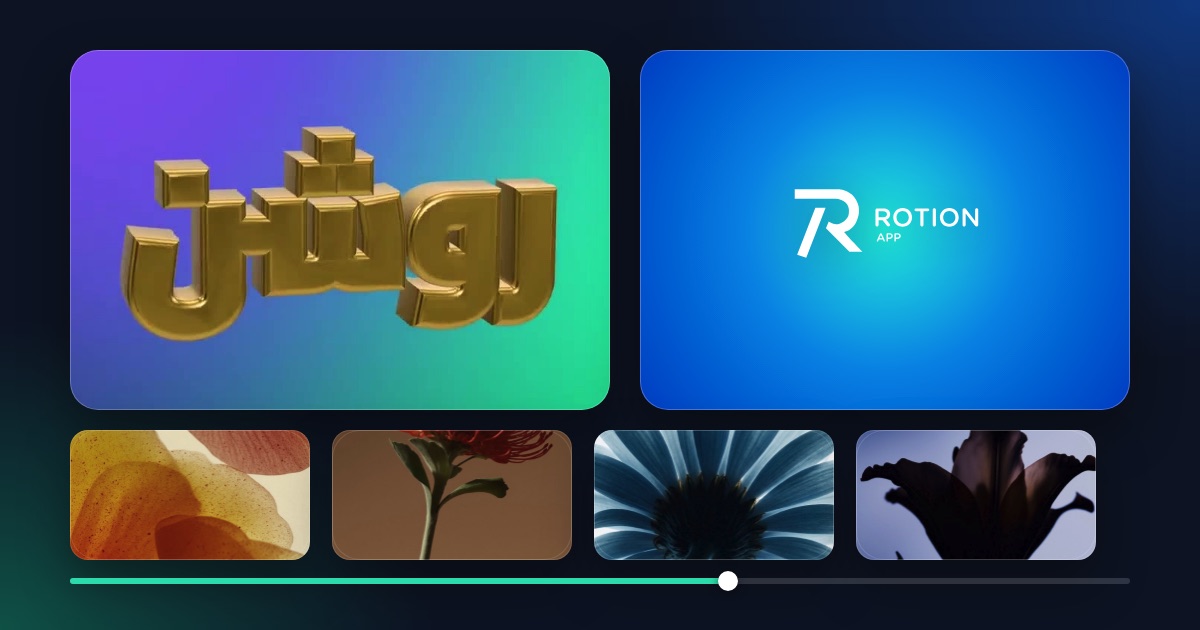
You can animate a logo without After Effects in about three minutes, right in your browser. Rotion gives you three ways: a 3D logo that spins or floats, a flat reveal template, or a ready-made brand template.
Way 1: a 3D logo that spins or floats
- Open Rotion Logo and upload your logo as an SVG or PNG.
- Choose a material (glass, chrome, gold, plastic, fur and more) and a motion (spin, swing, float or still).
- Pick a backdrop and a frame size, then export a looping MP4 or WebM video.
Way 2: a flat reveal or effect template
Logo Reveal, Neon Frame and Glass Logo animate a flat logo. Open one in the editor, drop in your logo, change the colours and export. All three are free templates.
Way 3: a brand template
The logo and branding group also has Pro templates, such as Brand Reel and Brand Book. Open one to see how your logo, colours and text fit, then replace the placeholders and export.
Which way should you choose?
- Depth, materials and a loop for an intro or a social post: Way 1.
- A quick flat reveal at the start of a video: Way 2.
- A short branded clip with colours and text: Way 3.
What it costs
Free exports go up to 720p with a small Rotion credit, and you get 5 free videos a month (shared between the studio and Rotion Logo). Videos need a free account. Pro ($8 a month or $79 a year) adds up to 4K in Rotion Logo, up to 8K in the studio, transparent PNGs and no credit.