 Rotion App
Video size for Instagram Reels, Stories and TikTok (cheat sheet)
Use 9:16 at 1080 × 1920 pixels for Instagram Reels, Stories and TikTok. Use 4:5 (1080 × 1350) or 1:1 for feed posts, and 16:9 (1920 × 1080) for YouTube. Platforms change their specs, so check the current ones before a big campaign.
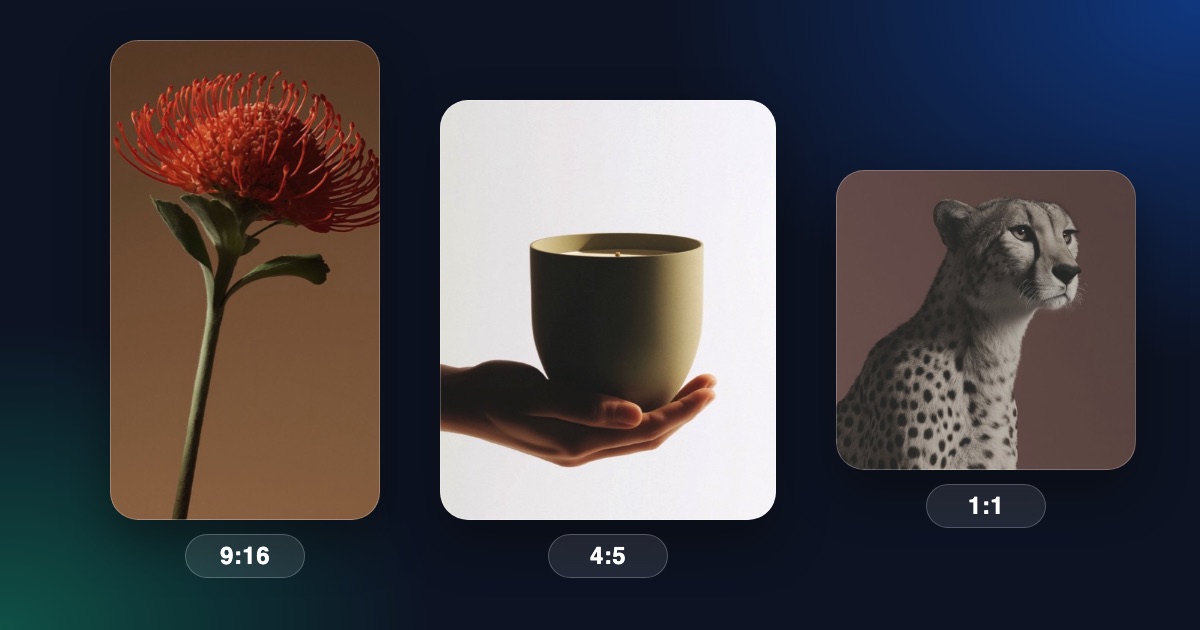
The sizes at a glance
- Instagram Reels, Stories and TikTok: 9:16, 1080 × 1920.
- YouTube Shorts: 9:16, 1080 × 1920.
- Instagram feed post: 4:5 (1080 × 1350) or 1:1 (1080 × 1080).
- Instagram profile grid: shows posts as 3:4 thumbnails (1080 × 1440).
- YouTube and websites: 16:9, 1920 × 1080.
Keep text away from the edges
Apps place buttons, captions and the account name over the top and bottom of vertical videos. Keep the important text and your logo in the middle of the frame.
Change the size in Rotion
- Open any template in the editor.
- Choose the size in the Frame settings.
- Check that text and logos still sit inside the frame.
- Export your video.
A note on resolution
Rotion’s free plan exports up to 720p, which is 720 × 1280 for a 9:16 video. Pro exports at 1080p and higher, up to 8K. Most apps accept 720p and scale it, but 1080p looks sharper.